16 Free Autumn Textures
Resource Details
- Format
- JPG
- Size
- 56.8 MB
- Opens in
- Photoshop, Procreate, Affinity Photo, GIMP, Krita
- Items in set
- 16
- Downloads
- 136
- Added
- Aug 20, 2026
LicenseCommercial
Learn morePreparing...
Description
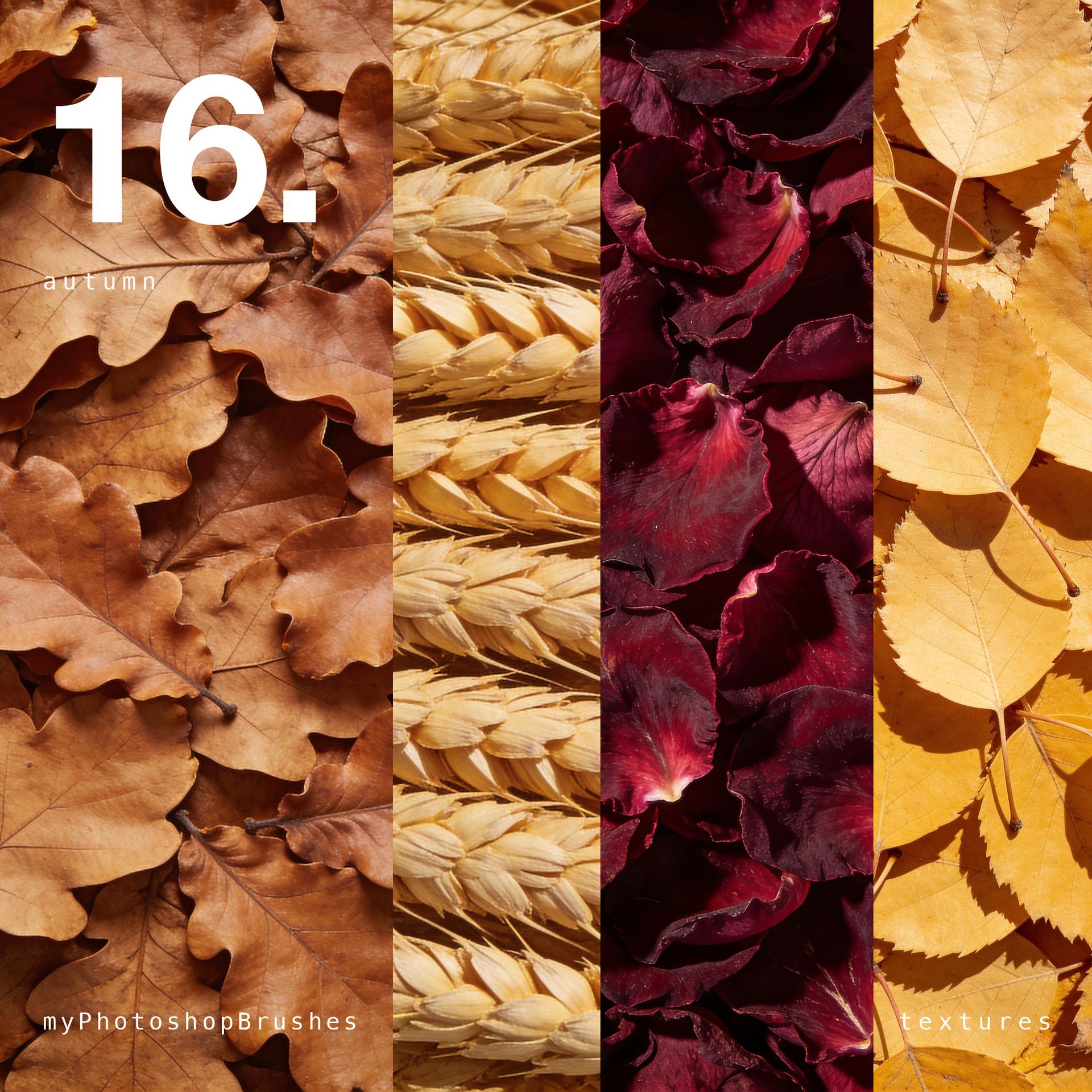
Autumn, flattened.
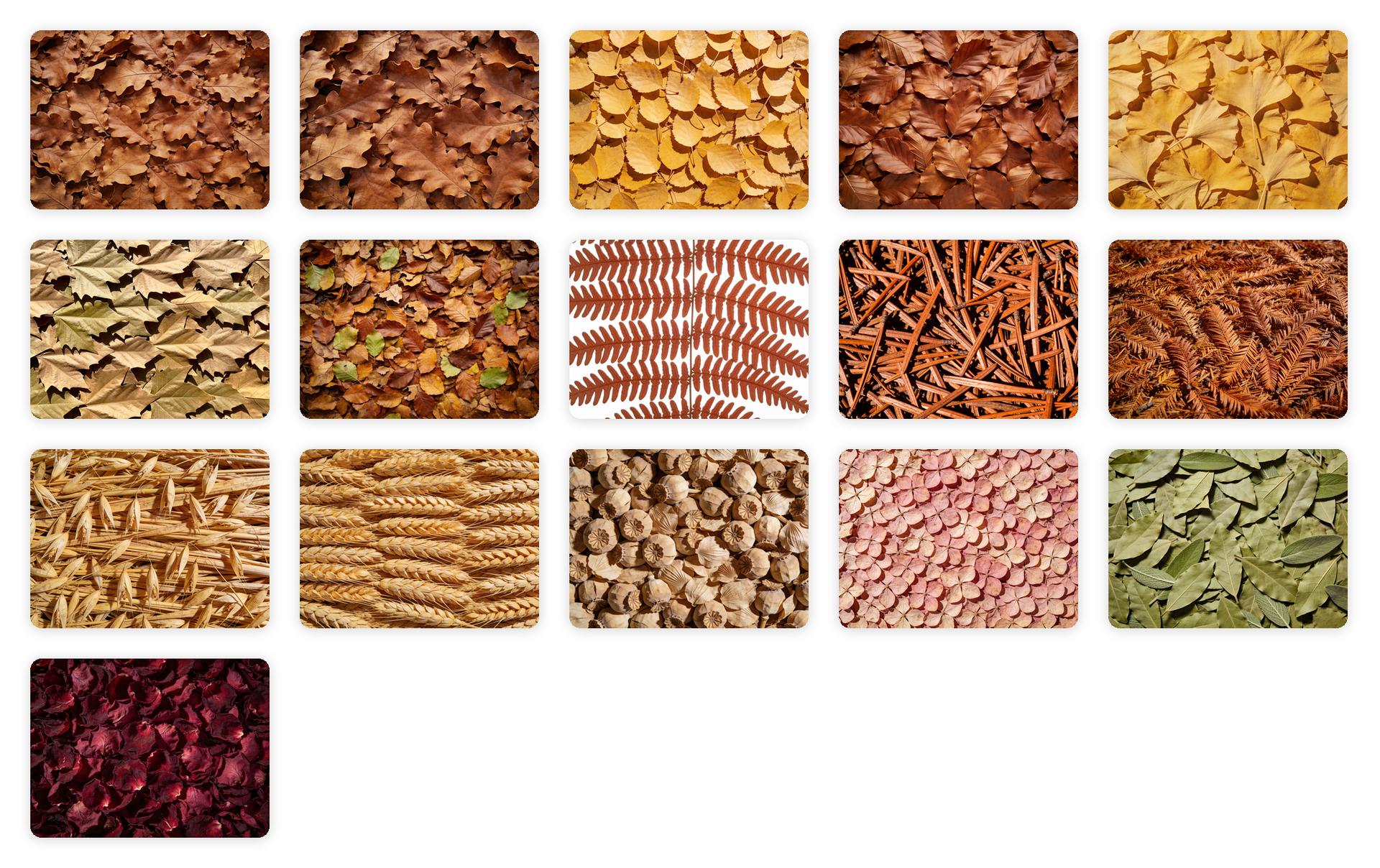
This is the stuff the season is made of, pressed down into one continuous surface, the way leaves go flat under a boot or in the back of a heavy book. Sixteen of them: oak, birch, beech, ginkgo, plane, bracken, forest floor, wheat, grasses, seed heads, twigs, and rose petals.
Two never turned. The bay is still green and the hydrangea is pink, because not everything that ends up on the ground in October is orange.
Multiply layer at 30% to put the season underneath a layout. Overlay keeps the veining. Desaturate first if you want the structure and none of the color.
4096 x 3072, single surfaces, no tiling.
Enjoy!
What's Included
Frequently asked questions
Is "16 Free Autumn Textures" free to download?
Yes, this resource is free to download from MyPhotoshopBrushes, with no signup and no paywall. It is published under the Free for Commercial Use license, which allows commercial use. See the license panel on this page for the exact terms.
What file format does this download use?
The download is a ZIP archive containing .JPG files. Unzip it first, then use the files inside.
How do I use it in Photoshop?
Download the image and place it into your document (File → Place Embedded), then experiment with layer blending modes like Overlay, Multiply, or Soft Light and adjust opacity to taste.