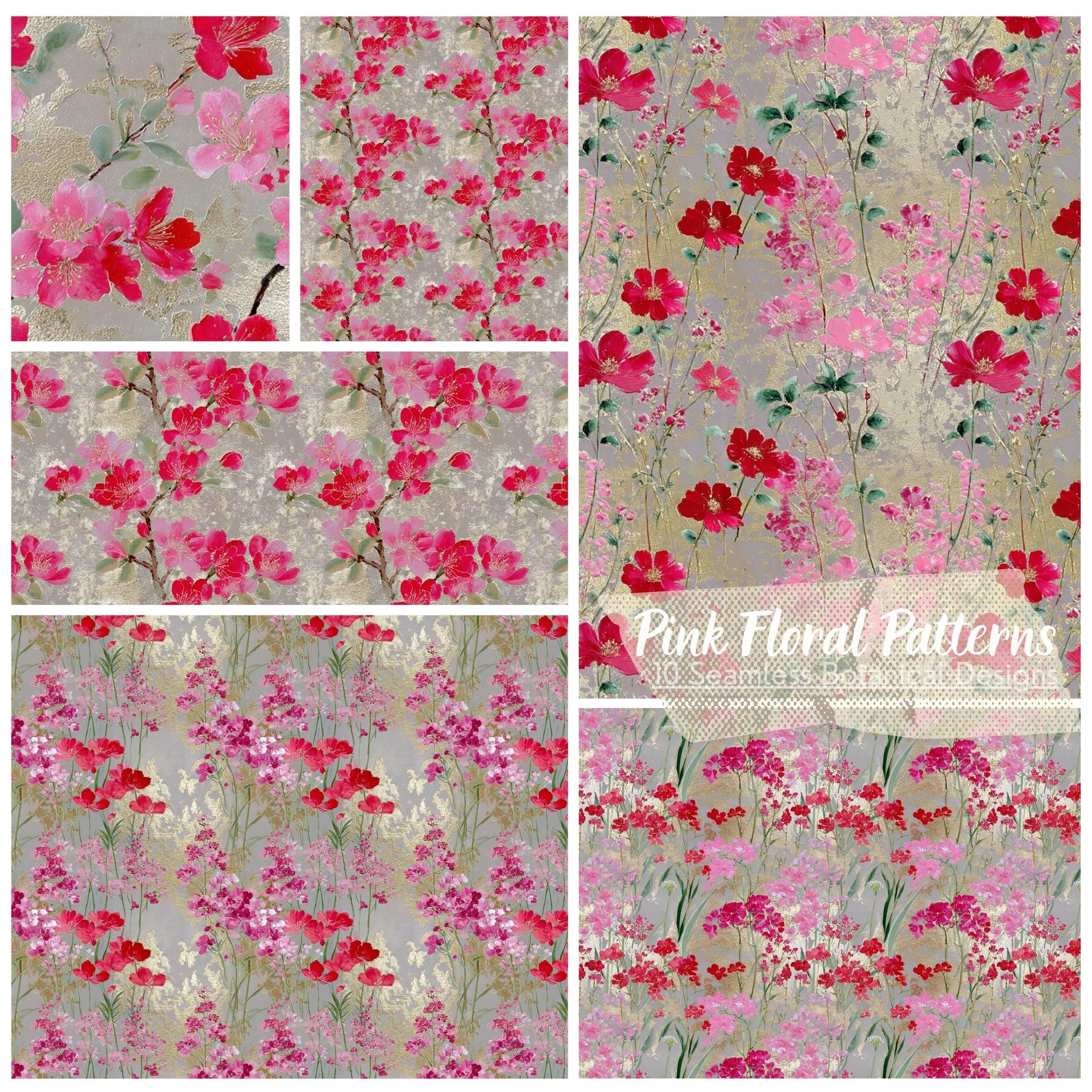
Golden Shine

Description
The easiest way to create gold effects in Adobe Photoshop is to download the Golden Shine Pack and apply the pattern to any layer you want to make shine. Give your design a luxurious touch with these seamless golden patterns. They are great for gold text effects, premium branding, elegant invitations, and any project that needs a rich, metallic finish.
What's Included

Frequently asked questions
Is "Golden Shine" free to download?
Yes, this resource is free to download from MyPhotoshopBrushes, with no signup and no paywall. It is published under the Free for Commercial Use license, which allows commercial use. See the license panel on this page for the exact terms.
What file format does this download use?
The download is a ZIP archive containing .PAT files. Unzip it first, then use the files inside.
How do I use it in Photoshop?
Download the .PAT file and double-click it, or open Window → Patterns and choose Import Patterns from the panel menu. The set stays available across sessions until you remove it.