Free Cloud Brushes by MyPhotoshopBrushes
Resource Details
- Format
- ABR
- Size
- 22.8 MB
- Opens in
- Photoshop, GIMP
- Imports into
- Procreate, Affinity Photo, KritaShapes import. Dynamics may not.
- Brush type
- Stamp brushes
- Items in set
- 20
- Downloads
- 39.4k
- Added
- Sep 13, 2022
Description
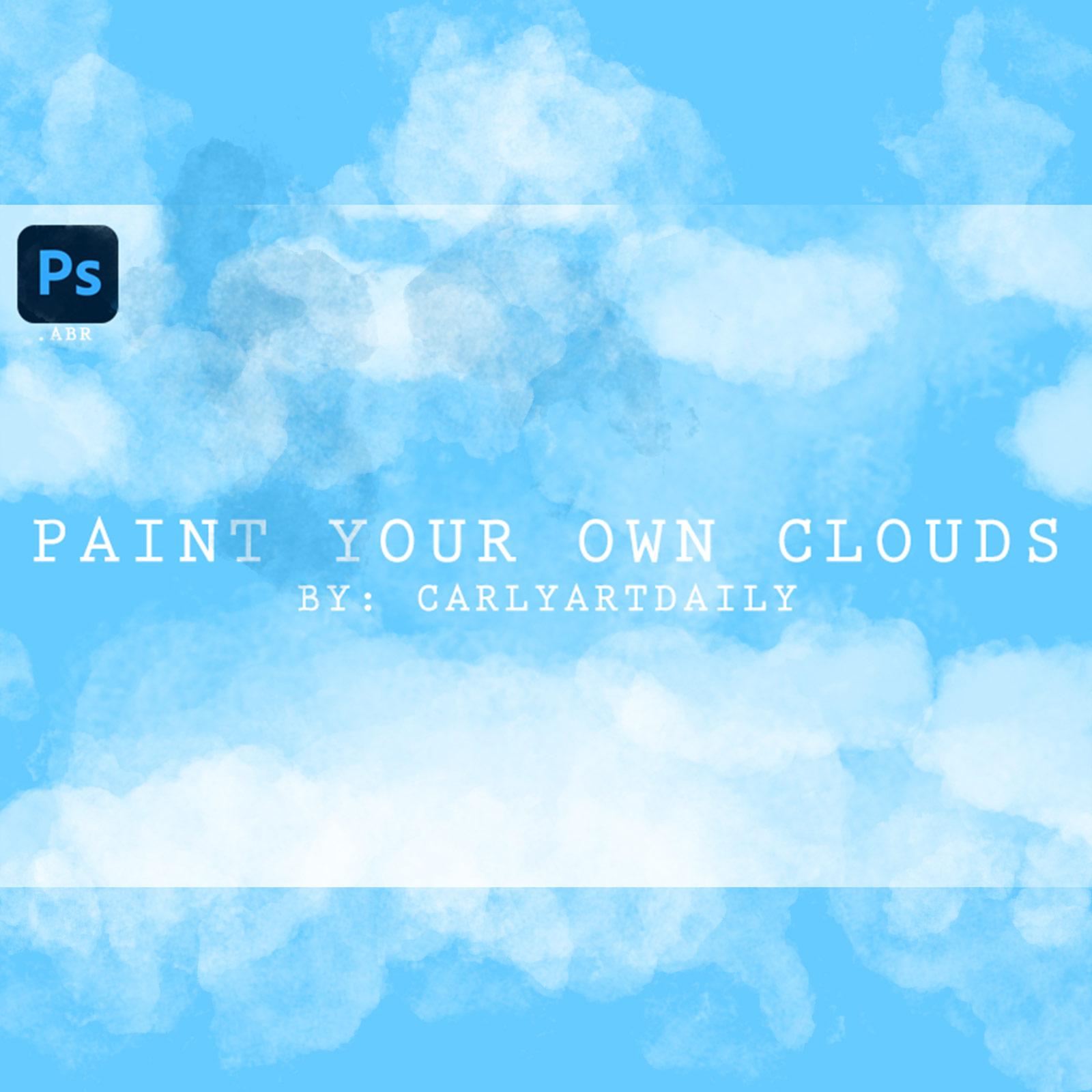
Clouds are truly remarkable works of nature, constantly changing and moving in the sky, creating a never-ending canvas of shifting shapes and moods. Whether they're light and fluffy, heavy and full of precipitation, or moving rapidly across the sky, they provide a fascinating spectacle for anyone who appreciates the beauty of the natural world.
One of the most remarkable aspects of clouds is their versatility. They can cover the entire sky, dominating the landscape and creating a backdrop for the world below. At other times, they can be a solitary accent, breaking up the blue expanse and adding a touch of interest to the sky.
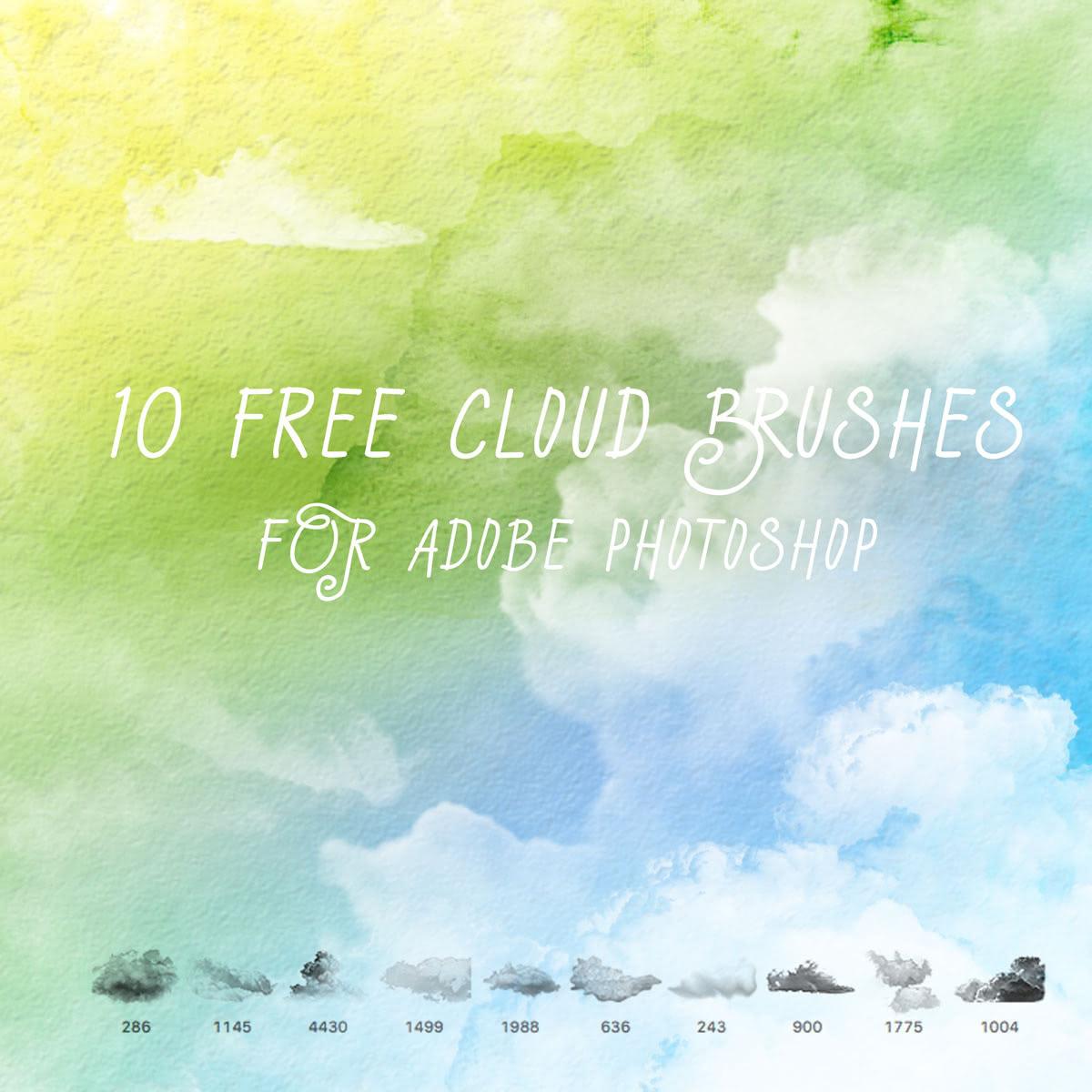
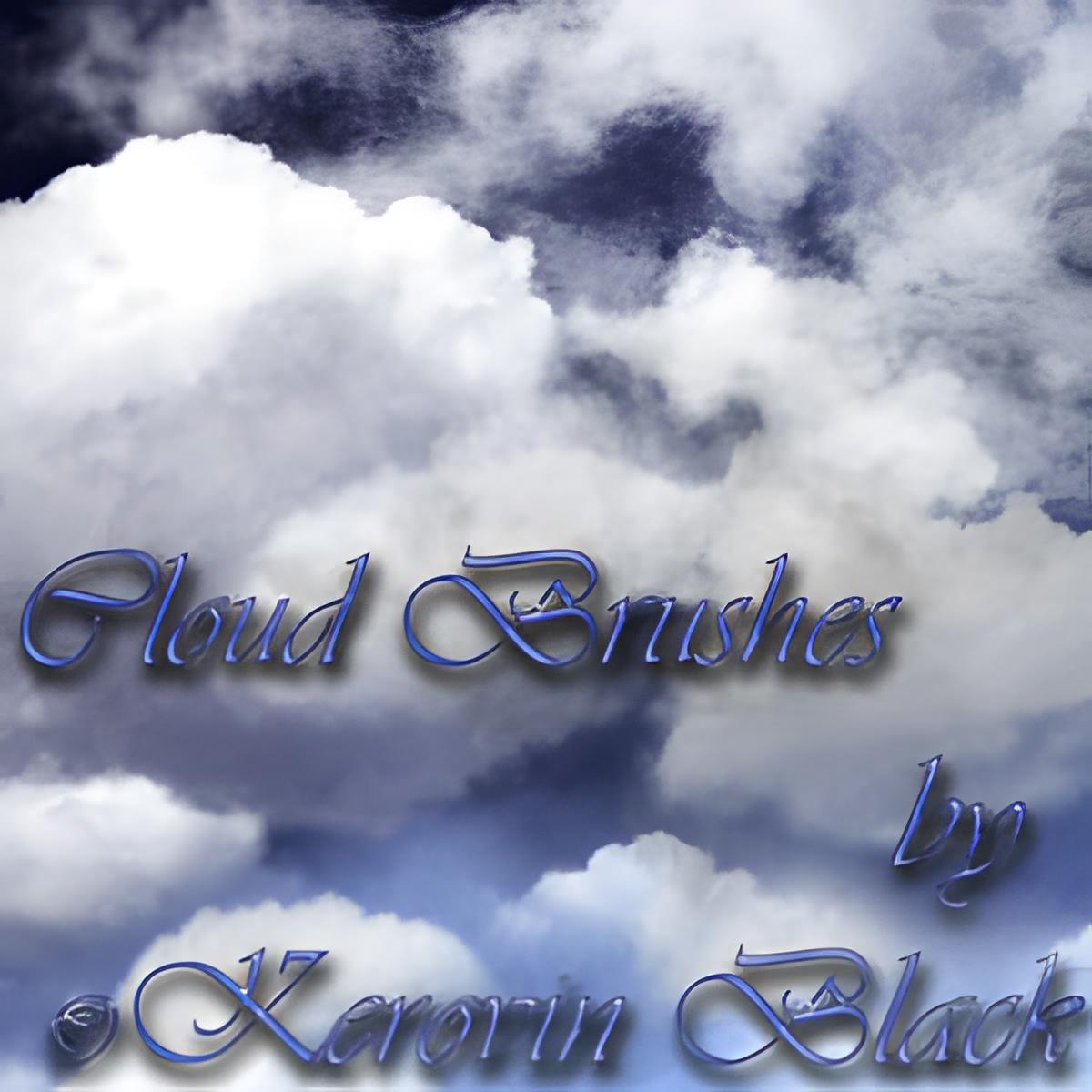
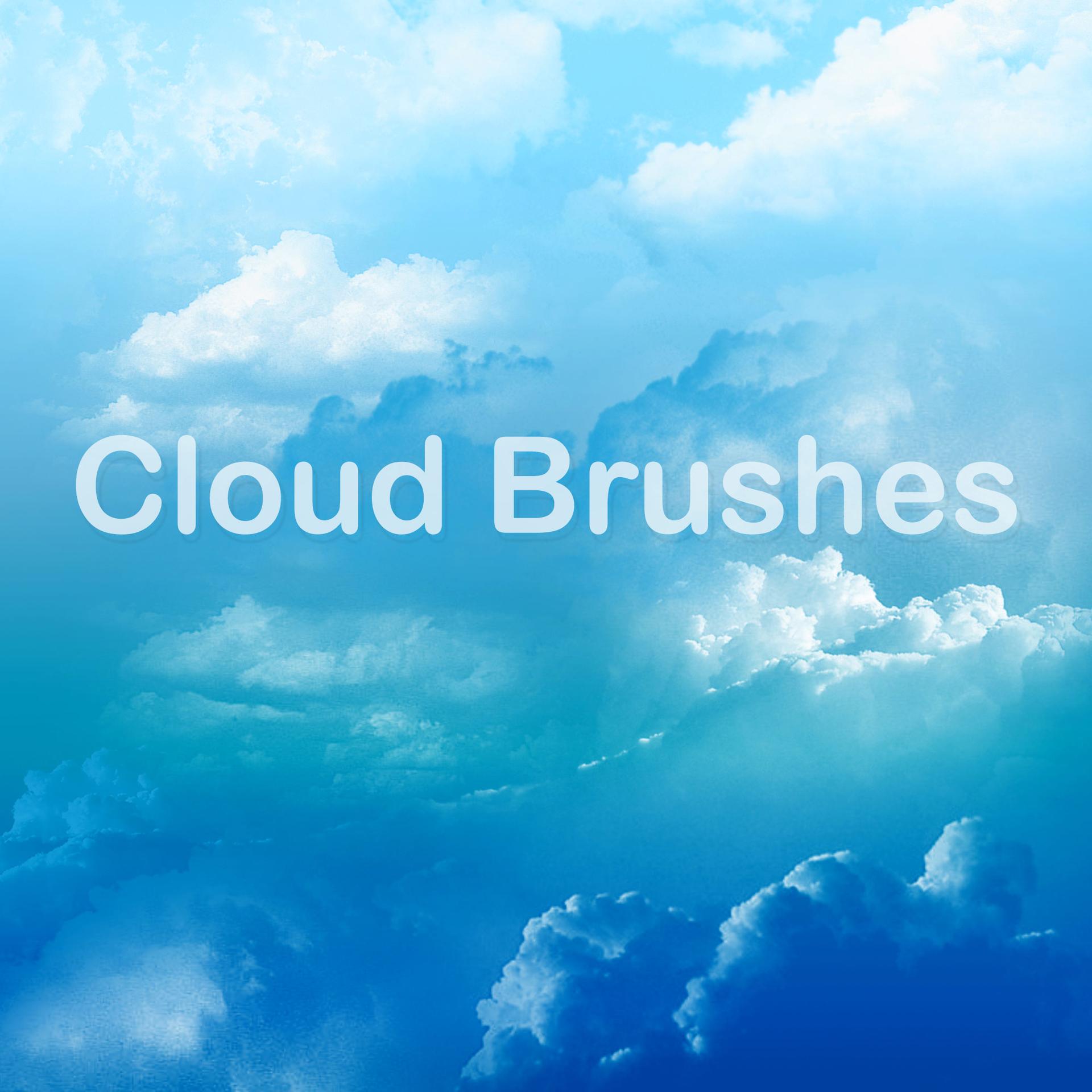
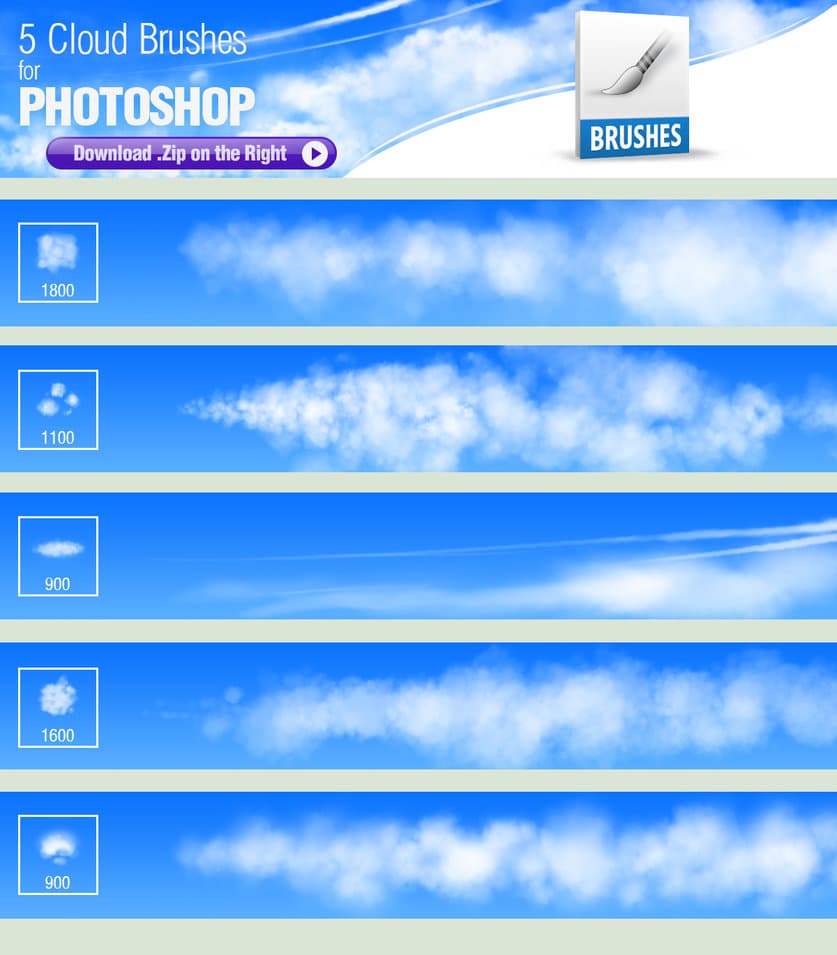
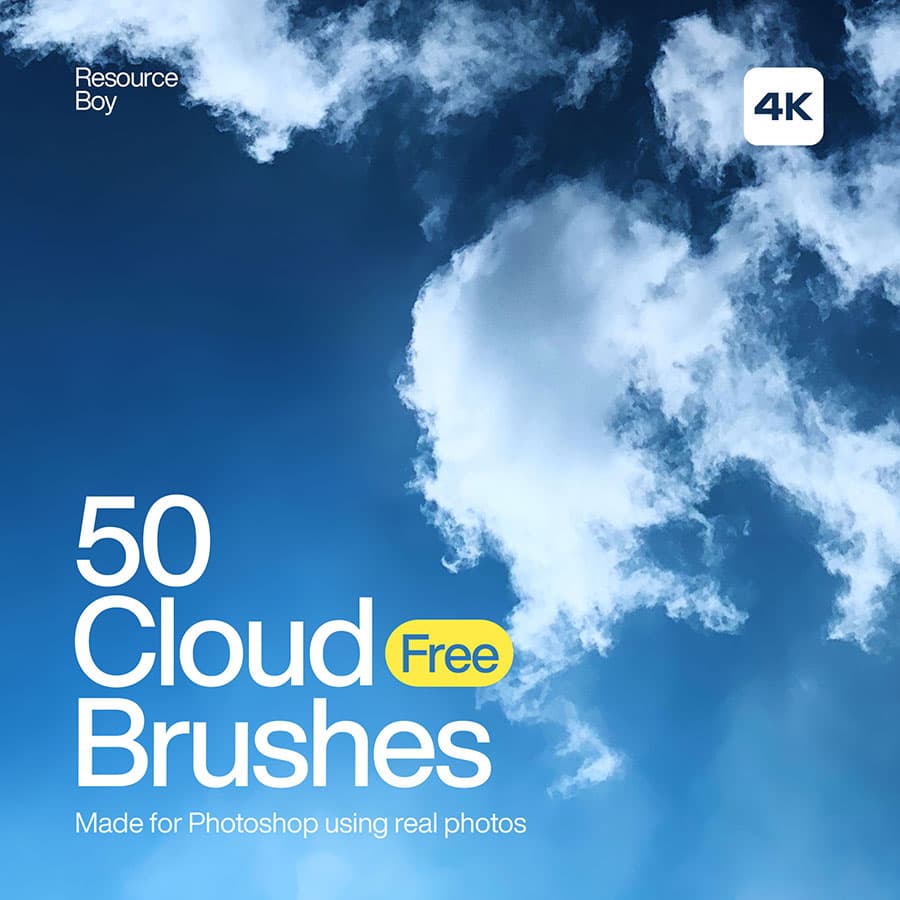
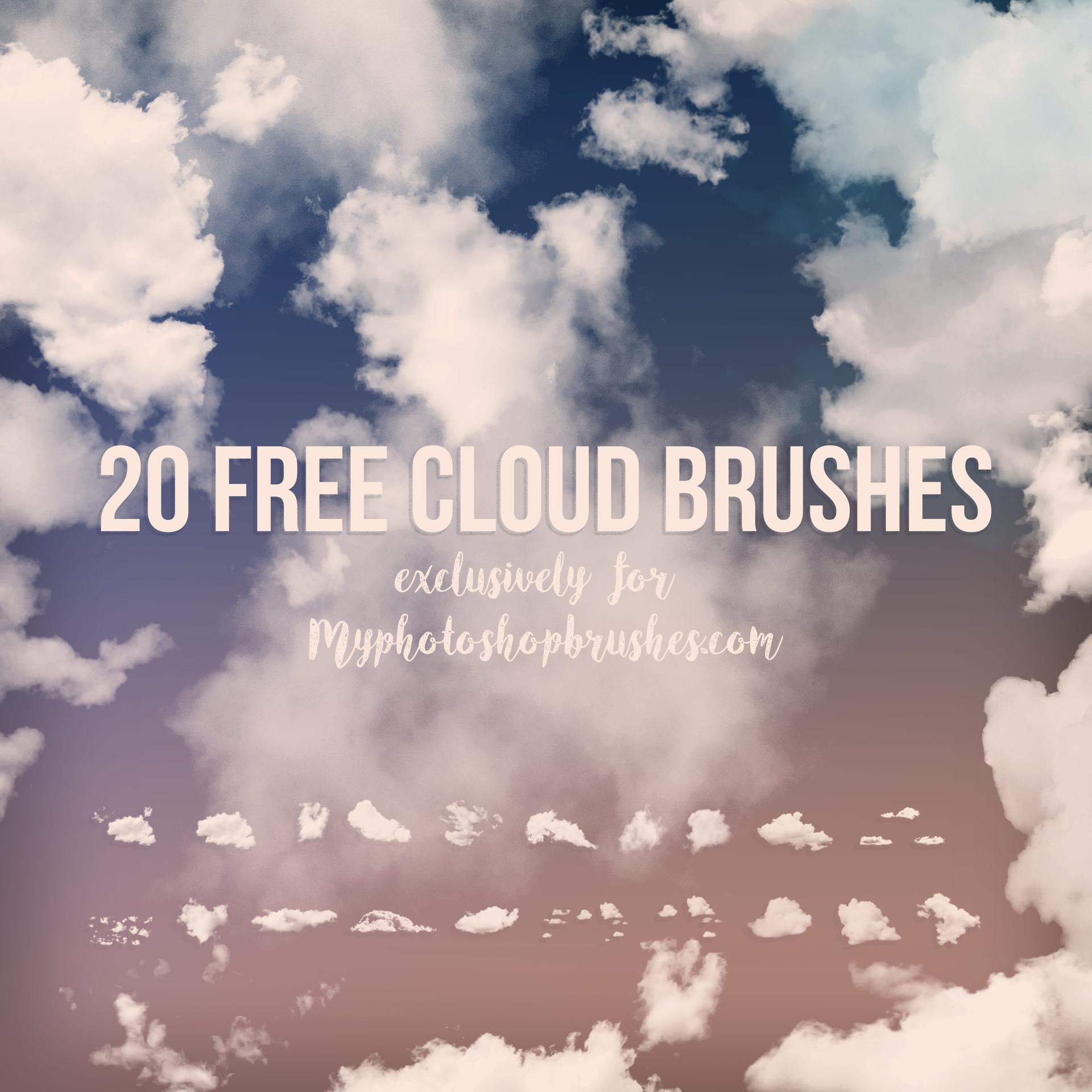
For those who love to capture the beauty of nature through art, the clouds can provide endless inspiration. That's why we've created this set of Photoshop brushes, specifically designed to help you capture the unique and ephemeral beauty of the clouds. With these brushes, you can easily add cloud formations to your landscapes and weather scenes, creating dynamic and beautiful works of art that reflect the beauty of the natural world.
This set of brushes includes many different types of clouds, from the classic cumulus, cirrus, and stratus, to the more complex cumulonimbus and intermediate forms. Whether you're interested in meteorology, outdoor photography, or simply appreciate the beauty of the natural world, this set of brushes is a great tool to have in your creative arsenal. So whether you're working on a project that explores climate and weather patterns, or simply want to add a touch of the sky to your landscapes, these brushes are the perfect choice.
What's Included