Free Photoshop Brushes
Free Photoshop brushes in ABR format, ready to download and install in seconds. Explore hundreds of sets across floral, grunge, watercolor, smoke and fire, abstract, nature, ornamental, and splatter styles; everything works in every recent Photoshop release.
- No registration
- Direct downloads
- High-resolution
- Hand-picked
Curated by designers since 2007Latest brush pack added 3 days ago ().
Browse Brushes
Circles And Drips Brush Set
Grunge Brushes

Cup Stains
Abstract Lines vol1 Brushes

Stamps from Canada
Old Sketches
Sci-Fi Scenes Pack 1
Walls in Great China
Grunge Textures
Foolish Strokes 1
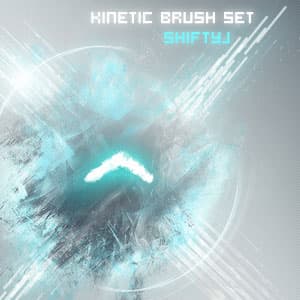
Kinetic Brushes
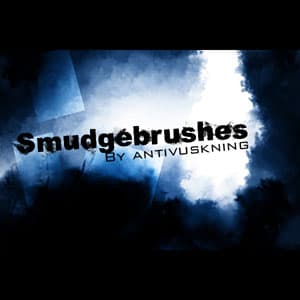
Smudge Brushes
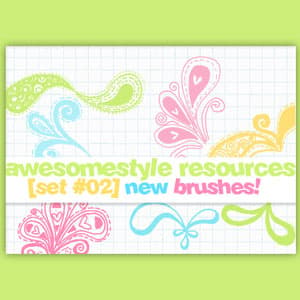
Flourish Doodle Brushes

Real Smoke
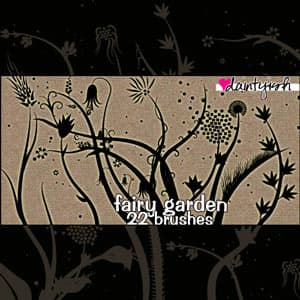
Fairy Garden PS Brush Set

Ribbon Banner Photoshop Brush

Swirls & Vines
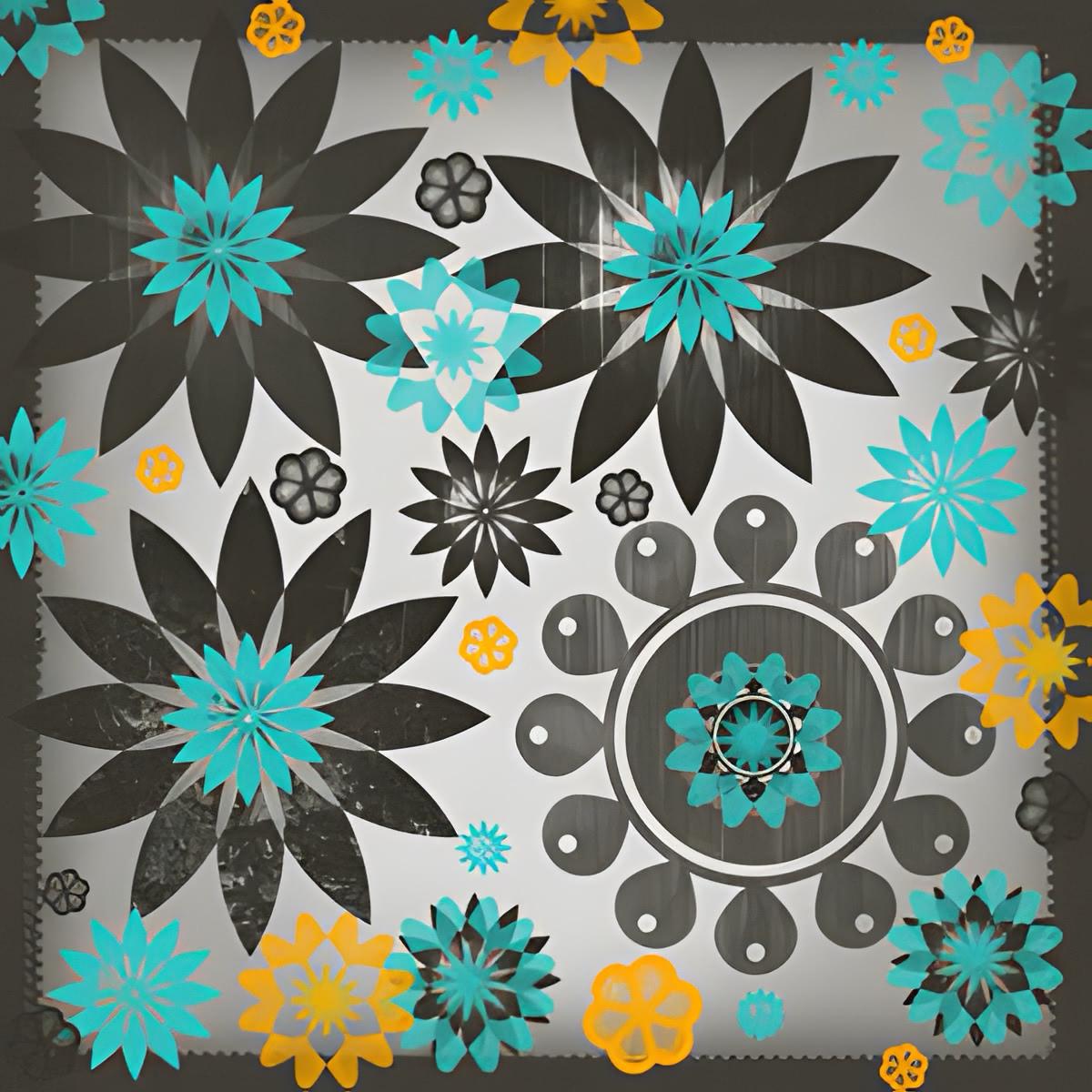
Photoshop Flower Brushes
Solid Ink Splatter
Little Hooty Owls
Burning Soul Brushes
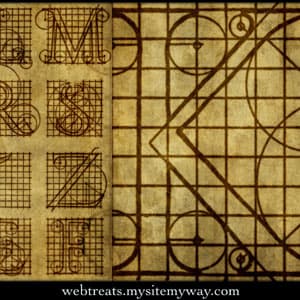
Roman Letters Diagrams
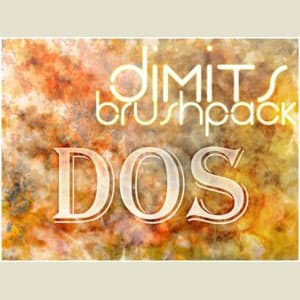
12 Abstract Photoshop Brushes
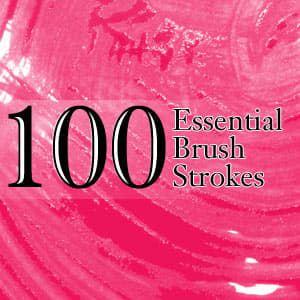
100 Essential Brush Strokes
What are Photoshop brushes?
A Photoshop brush is a paintable preset that lives inside Adobe Photoshop's Brushes panel. Each brush stores a tip shape, a spacing rule, and a stack of dynamics that control how the tip behaves under pressure, tilt, and speed. When you drag the cursor or tablet pen across the canvas, Photoshop stamps that tip along the path and mixes the dynamics in real time. The result can look like a single confident pen stroke, a soft watercolor wash, a spray of grunge particles, or a delicate floral motif, all from one .ABR file.
Brushes ship as .ABR packs, the native Adobe brush format. You can install a pack with one double-click and use it across every project, mockup, and photo edit you open. Modern packs target Photoshop 2026 and the recent 2024 and 2025 releases, where the brush engine supports custom tips up to 5000 pixels wide and full color dynamics. Older legacy packs still load too, which is why our catalog works for Photoshop CC and Photoshop CS6 users alongside the current desktop and iPad versions.
Designers reach for custom brushes when the default Adobe set runs out. A typography piece needs hand-drawn ink ornaments. A photo composite needs realistic dust, leaves, or birds. A poster needs a chalk feel that the default chalk brush can't quite hit. Pulling a free pack from this page beats building tips from scratch every time you start a new project.
The catalog on this page collects work from hundreds of independent artists. Each pack is reviewed before publishing, so previews match the file you actually download and licenses are spelled out in plain English. We have published Photoshop resources since 2007, which is why our archive ranges from early grunge classics to modern high-resolution painting kits. Sort by latest to see what authors have just dropped, or sort by popular to find the packs that designers come back to year after year.
Browse Photoshop brushes by style
The catalog below covers every major brush style our community publishes. Use the filter chips under the grid to jump to a style family, or follow one of the deep links here. Each link opens a focused subcategory or tag page with its own preview gallery and download count.
For pure shape brushes, anything you would stamp once rather than drag, start with Abstract brushes, Ornament brushes, and Symbol brushes. For organic motifs and botanical artwork, browse Nature brushes and the curated Floral tag. Editorial and photo projects pair well with Splatter brushes and the Grunge tag, which collects ink, paint, and distressed textures across multiple subcategories.
Painters and illustrators usually start with Watercolor brushes for soft washes and the Paint tag for oil and acrylic stroke simulations. Character and concept artists tend to reach for Human brushes and Texture brushes to build skin, fabric, and environment detail. Retro and editorial designers gravitate toward Vintage brushes, the Doodle tag, and the Stroke brushes tag for marker and pen looks. Every category page ranks packs by the newest first, so you always see what authors have added this week.
How to install Photoshop brushes in 2026
Installing a brush pack in the current Photoshop release takes about ten seconds. Download an .ABR file from any card on this page, find it in your Downloads folder, and double-click it. Photoshop catches the file, loads the set into its preset database, and appends every new tip to the bottom of the Brushes panel. Open Window → Brushes (or hit F5) to scroll down to the new group, which Photoshop labels with the pack's original name.
If you prefer a manual workflow, drag the .ABR file straight onto the Photoshop window, or open the Brushes panel, click the panel menu in the upper-right corner, and choose Import Brushes. The same dialog lets you reorder groups, rename them, and remove old sets you no longer use. All three methods work the same way on Windows, macOS, and the iPad version of Photoshop.
A few quirks are worth knowing before you paint. Photoshop only shows brush dynamics when the file uses the modern .ABR format from CC 2018 or later. Legacy packs may render the tip without scatter or texture. If a brush looks soft at full size, try a higher resolution pack from the catalog above. And if you upgrade Photoshop mid-project, your installed brushes carry over automatically through Adobe's Migrate Presets dialog on first launch.
Performance is rarely an issue with modern brushes, but a few good habits help. Keep no more than 200 active tips loaded at once, since Photoshop has to redraw every preview thumbnail when the panel refreshes. Save brush variants you tune yourself into a fresh group, then export that group as a new .ABR via Export Selected Brushes in the Brushes panel menu (in CS6 and older: Edit → Presets → Preset Manager). The exported file becomes your portable backup and ships easily to a teammate or a second machine.
With the pack loaded, the next question is usually how to get something good out of it: picking a tip, setting size and flow, stamping versus dragging, and coloring a brush without repainting it. That is covered in our guide to using Photoshop brushes, which picks up exactly where this install leaves off.
For a full walkthrough with screenshots, troubleshooting tips, and notes on Photopea and Affinity Photo, follow the link below.
Frequently asked questions
Common questions about downloading, installing, and using free Photoshop brushes, pulled from the queries readers ask most often.