Tanathe's Lazy Brush Set
Resource Details
- Format
- ABR
- Size
- 72.5 MB
- Opens in
- Photoshop, GIMP
- Imports into
- Procreate, Affinity Photo, KritaShapes import fine. The Photoshop dynamics do not.
- Brush type
- Dynamic brushes
- Items in set
- 171
- Downloads
- 157.4k
- Added
- Feb 15, 2013
Tags
Description
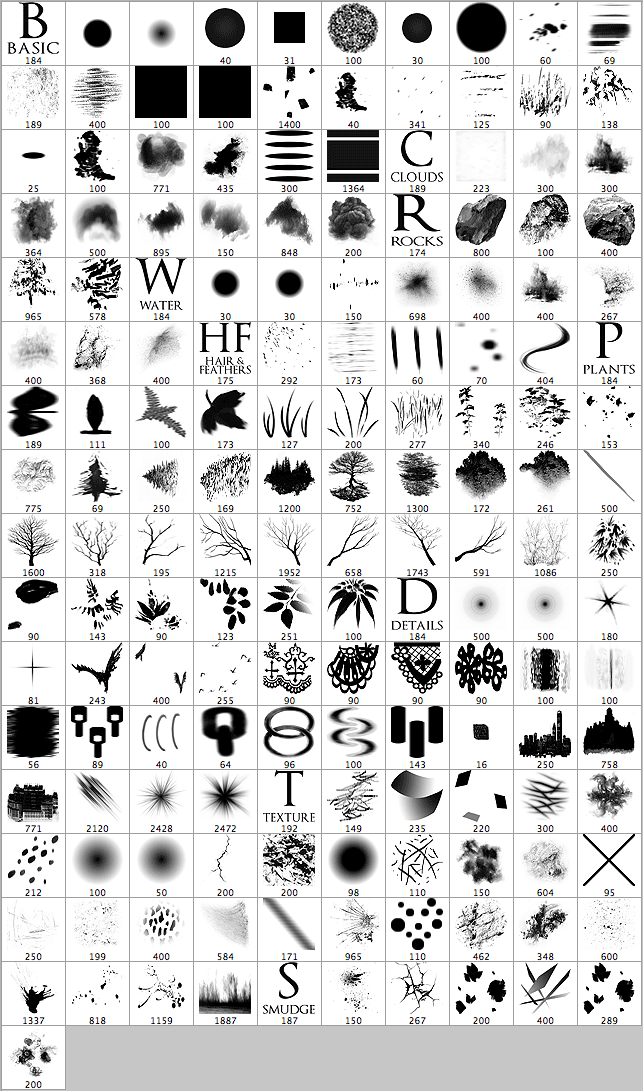
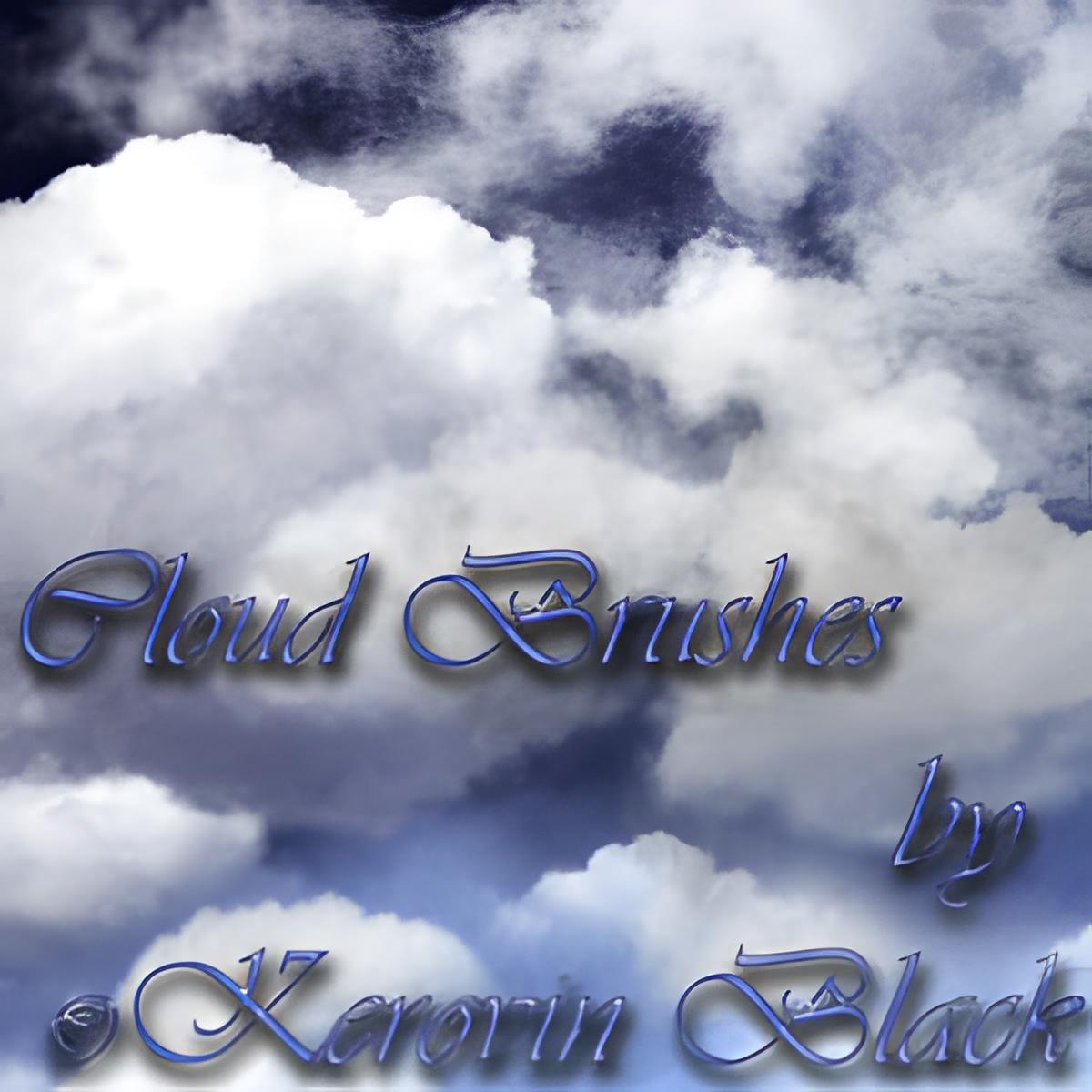
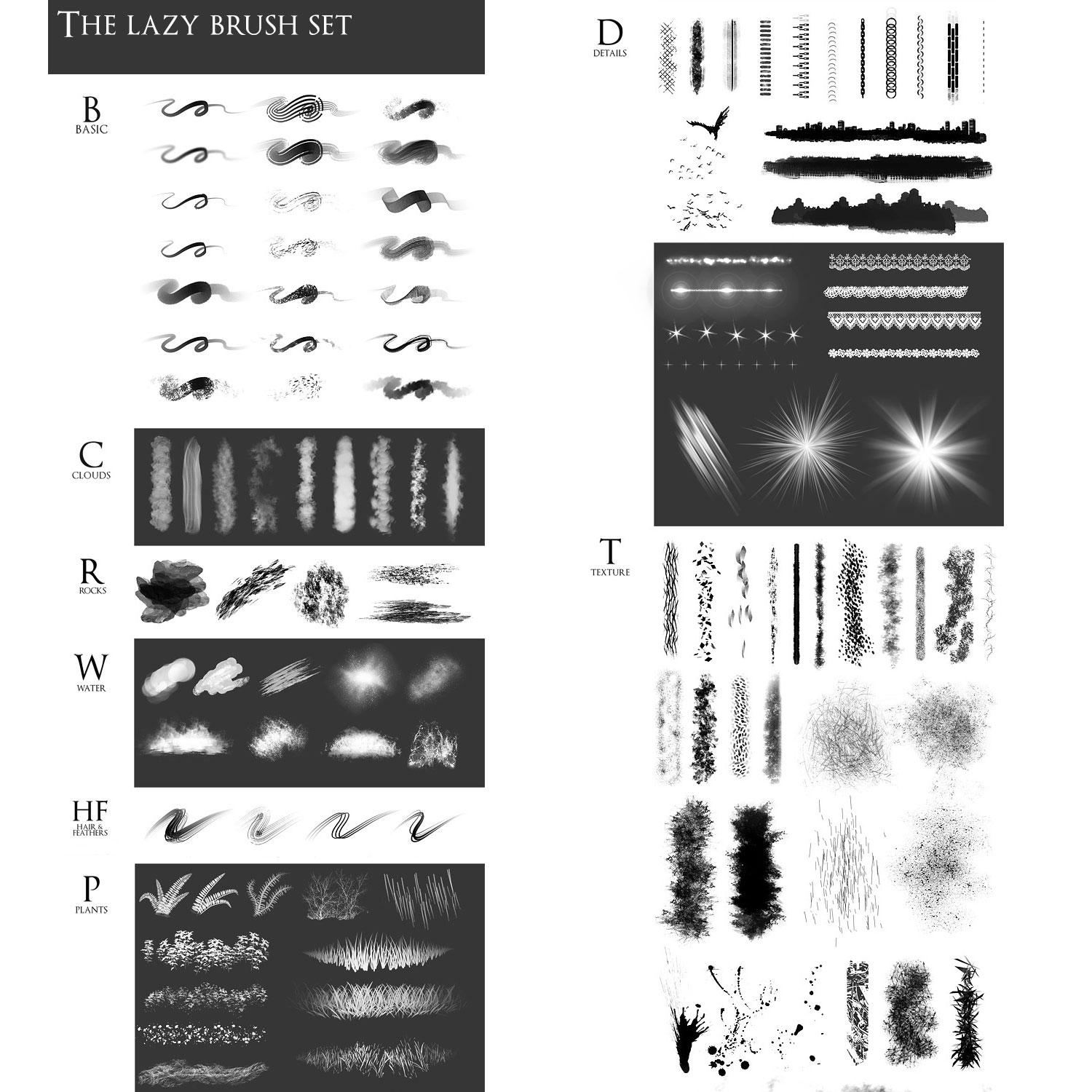
The set contains 171 brushes that I use on an everyday basis. For your convenience, it is divided into 9 categories: Basic - brushes I use the most. Most of my paintings are made using those particular brushes and often I use only those alone. Brushes from the following categories are just an addition and are used depending on the subject and stylization I work in. Clouds - a few dynamic brushes to paint skies, mist and smoke. Rock - perfect for rocks, ground and other rough surfaces. Water - splashes and brushes with wet edges - best if used with light paint on dark surfaces. Hair & Feathers - Well, ain't I a douchebag. I completely forgot to check the release document for most of the fur and feather brushes and now had to remove them from the set. To download the brushes I use for painting fur, feathers and scales, please visit this brush set by *CoyoteMange Plants - a very big set of dynamic brushes for painting foliage. Most of them are hand-painted giving pictures a very nice and unified look. Details - all sorts of little things that add to the final image - seams, light effects, laces and trinkets. Textures - yummy grunge and garbage that will make those flat surfaces look interesting. Scratches, wrinkles, rust, pores, stains - all you'll ever need. Smudge - special brushes for blending. They give very interesting blur and displacement effects.
What's Included