40 Free Cracks & Fractures Photoshop Brushes
Resource Details
- Format
- ABR
- Size
- 3.9 MB
- Opens in
- Photoshop, GIMP
- Imports into
- Procreate, Affinity Photo, KritaShapes import. Dynamics may not.
- Brush type
- Stamp brushes
- Items in set
- 40
- Downloads
- 641
- Added
- Oct 14, 2026
Description
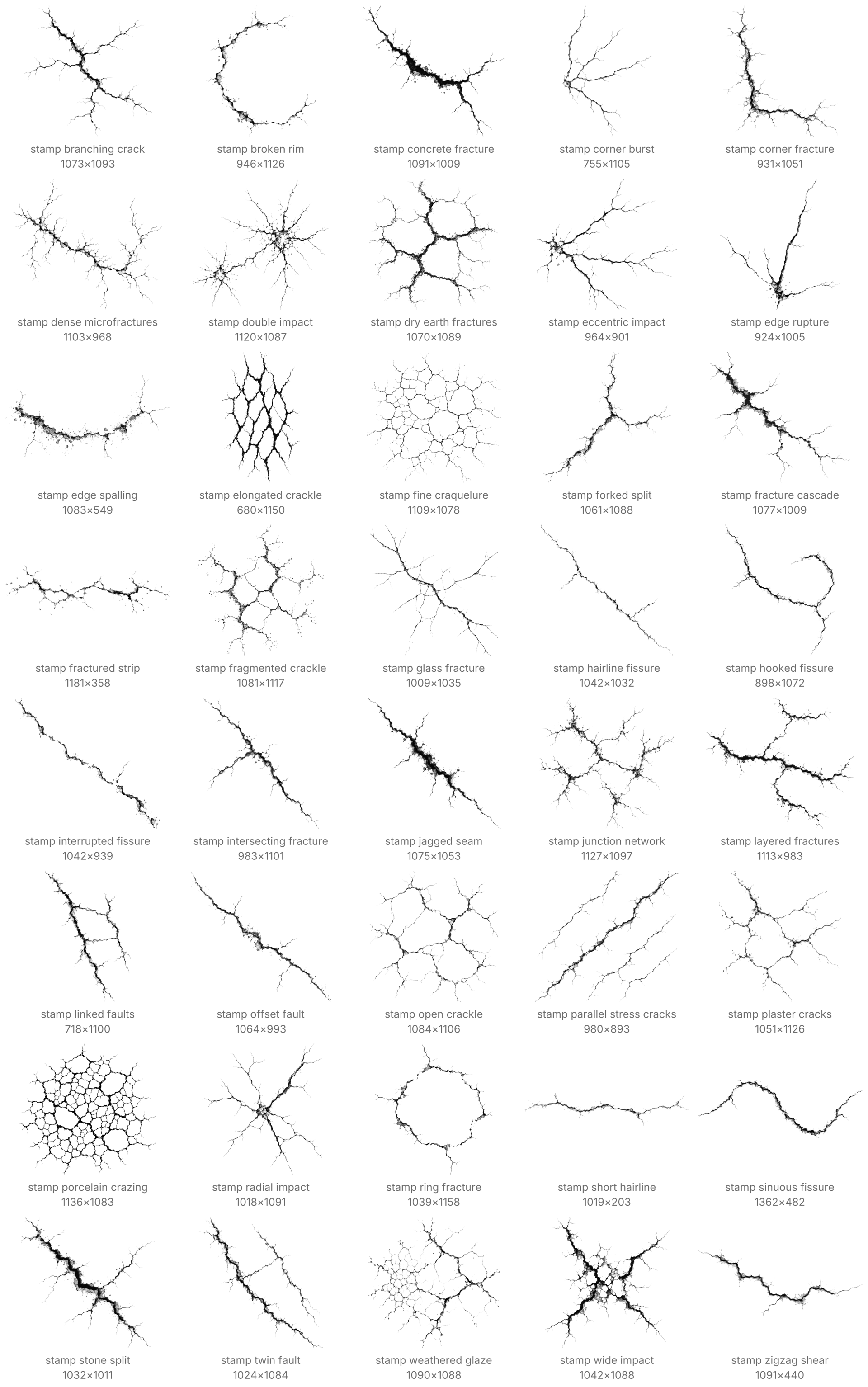
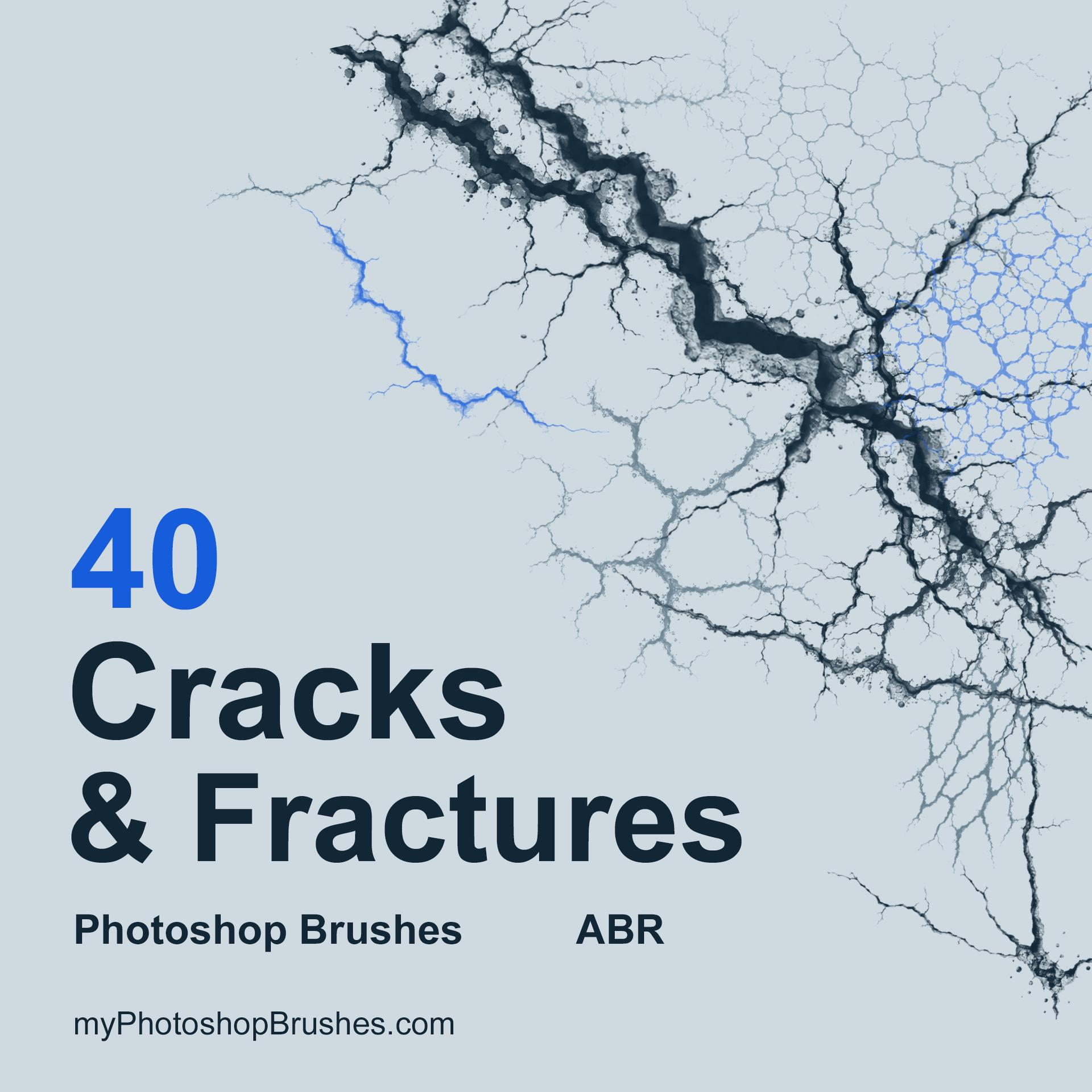
Break a plaster surface, split lettering or add a point of impact to a composite. Each stamp leaves the surrounding area open, so you choose how much damage appears.
Forty named presets cover thin fissures, branching faults, chipped margins, impact fractures and irregular crackle fields. Unequal paths and rough contact edges give each mark its own structure. Dark areas carry stronger coverage, while gray contacts leave a lighter trace.
Build a network of fractures on an empty layer. Keep individual faults separate for later position and opacity changes. Painting into a mask instead can split an existing shape without adding a colored mark. Turn and resize each impression before placing it. A short seam can extend a larger fault, and a fine crackle patch can weather one corner.
The longest dimension of each raster tip is between 964 and 1362 px. Small sizes reduce the visibility of hairline ends and tiny chips. These are static stamps for controlled placement, with no pressure response or automatic scattering.
Open Photoshop's Brushes panel, choose Import Brushes and select the extracted file. The ZIP contains the complete forty-brush file and License.txt for personal and commercial projects, with optional attribution. Surface photographs, seamless textures and the cover artwork are outside the download.
What's Included