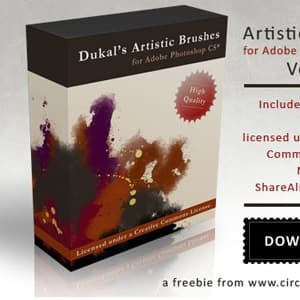
Artistic Brushes Pack 2
Resource Details
- Format
- ABR
- Size
- 3.1 MB
- Opens in
- Photoshop, GIMP
- Imports into
- Procreate, Affinity Photo, KritaShapes import fine. The Photoshop dynamics do not.
- Brush type
- Dynamic brushes
- Items in set
- 56
- Downloads
- 41.4k
- Added
- Jan 28, 2009
LicenseCC BY-NC-ND 3.0
Learn morePreparing...
Tags
Description
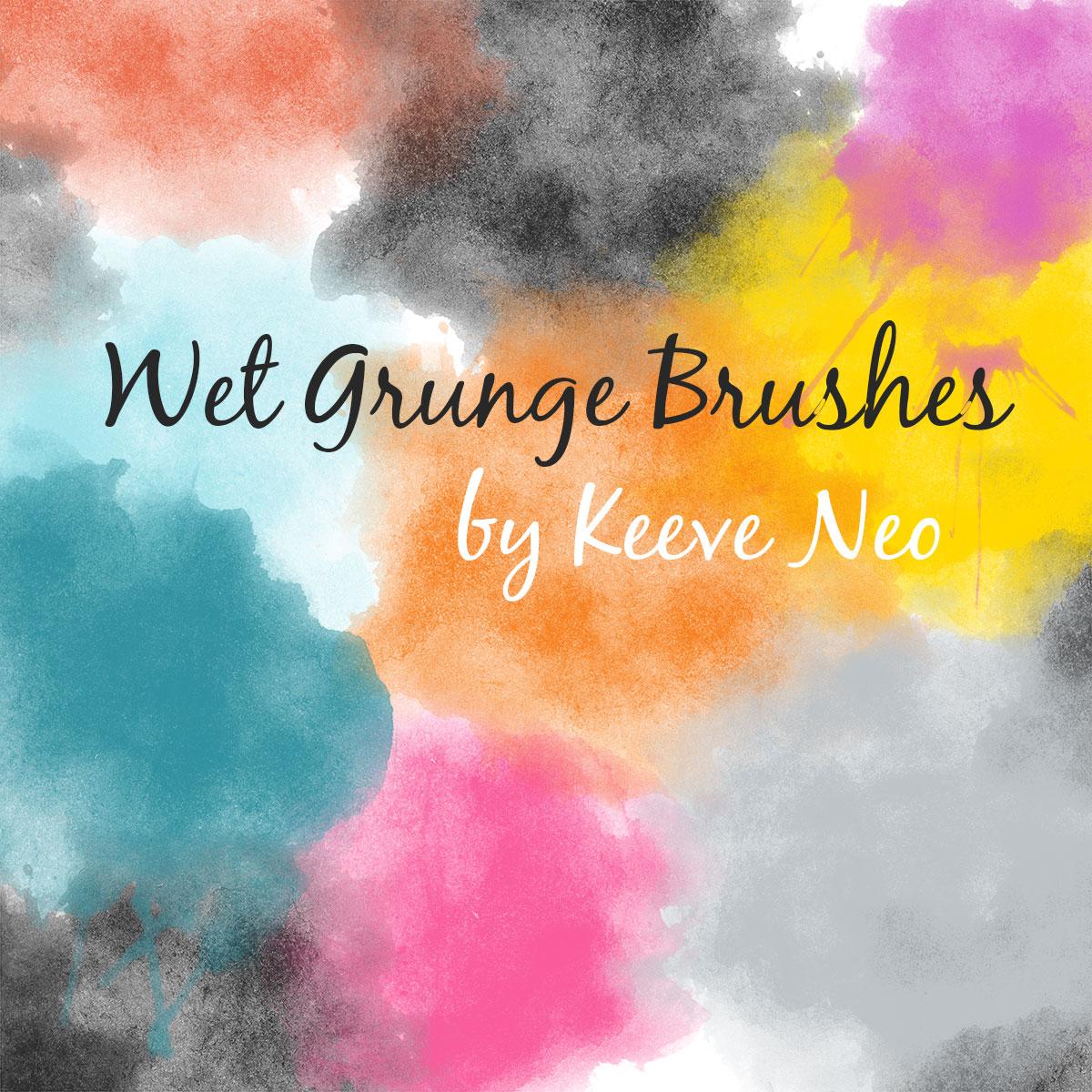
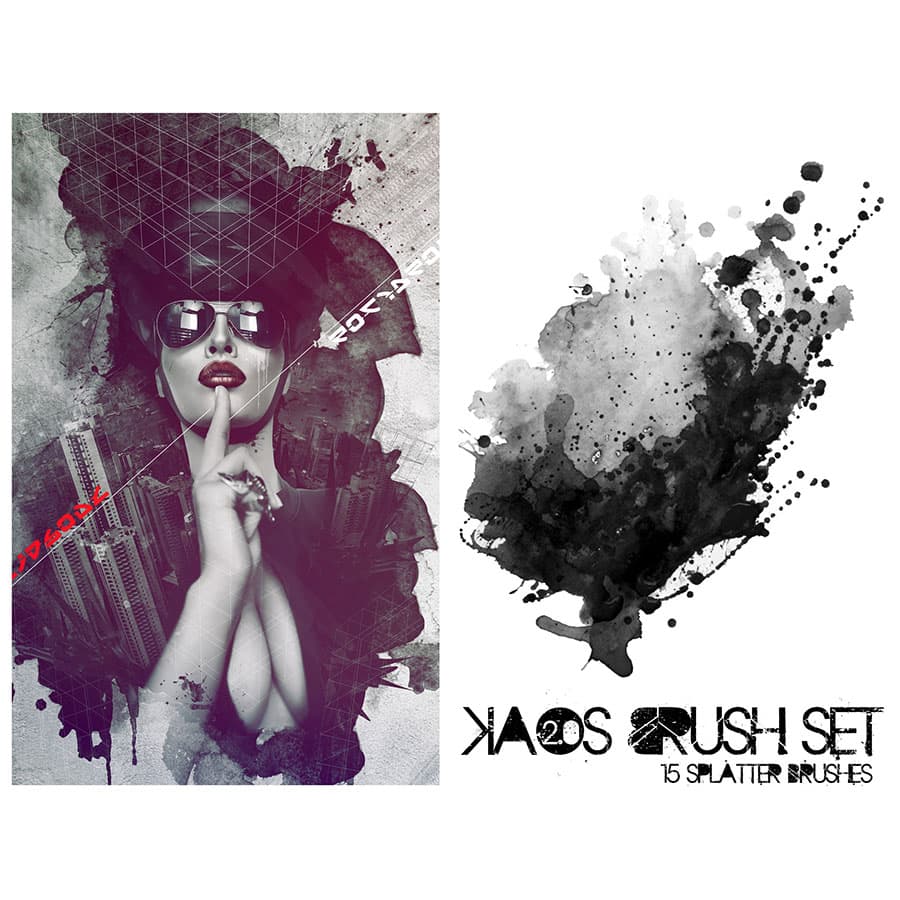
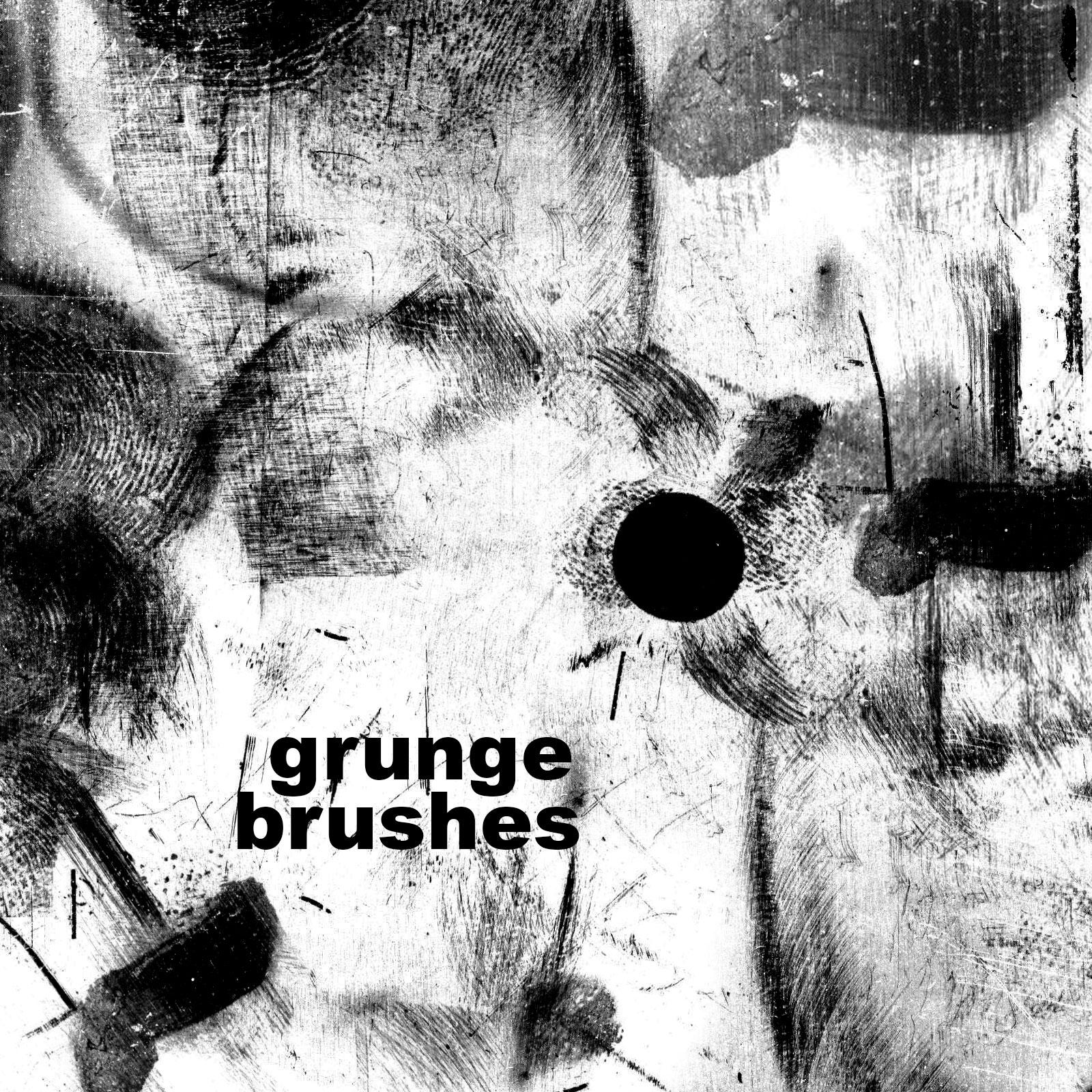
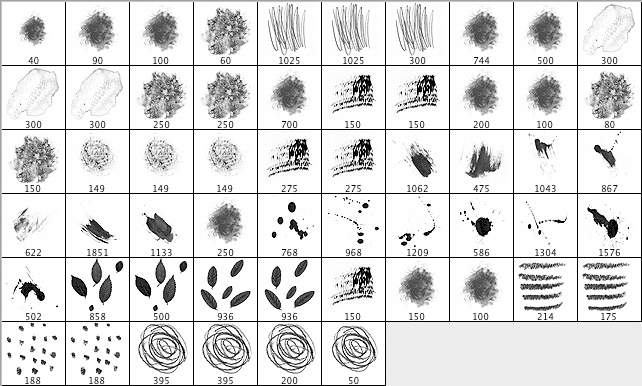
Artistic Brushes Pack 2 for Adobe Photoshop CS3 and higher. This set features expressive, artistic brush strokes and textures that are perfect for digital painting, mixed-media artwork, and adding a hand-crafted feel to your designs. Be sure to read the license before use.
What's Included
Frequently asked questions
Is " Artistic Brushes Pack 2" free to download?
Yes, this resource is free to download from MyPhotoshopBrushes, with no signup and no paywall. It is published under the Creative Commons Attribution-NonCommercial-NoDerivatives 3.0 license, which does not allow commercial use. See the license panel on this page for details.
What file format does this download use?
The download is a ZIP archive containing .ABR files. Unzip it first, then use the files inside.
How do I use it in Photoshop?
Download the .ABR file and double-click it. Photoshop imports the set and appends it to the Brushes panel automatically. You can also drag the file onto the Photoshop window, or open Window → Brushes and choose Import Brushes from the panel menu.